
Private guest photo sharing
Collect every moment. From every guest.
Give everyone one simple place to add their photos and videos, then enjoy the whole day in a gallery made for your event.
No app for guests. Just your private event link.


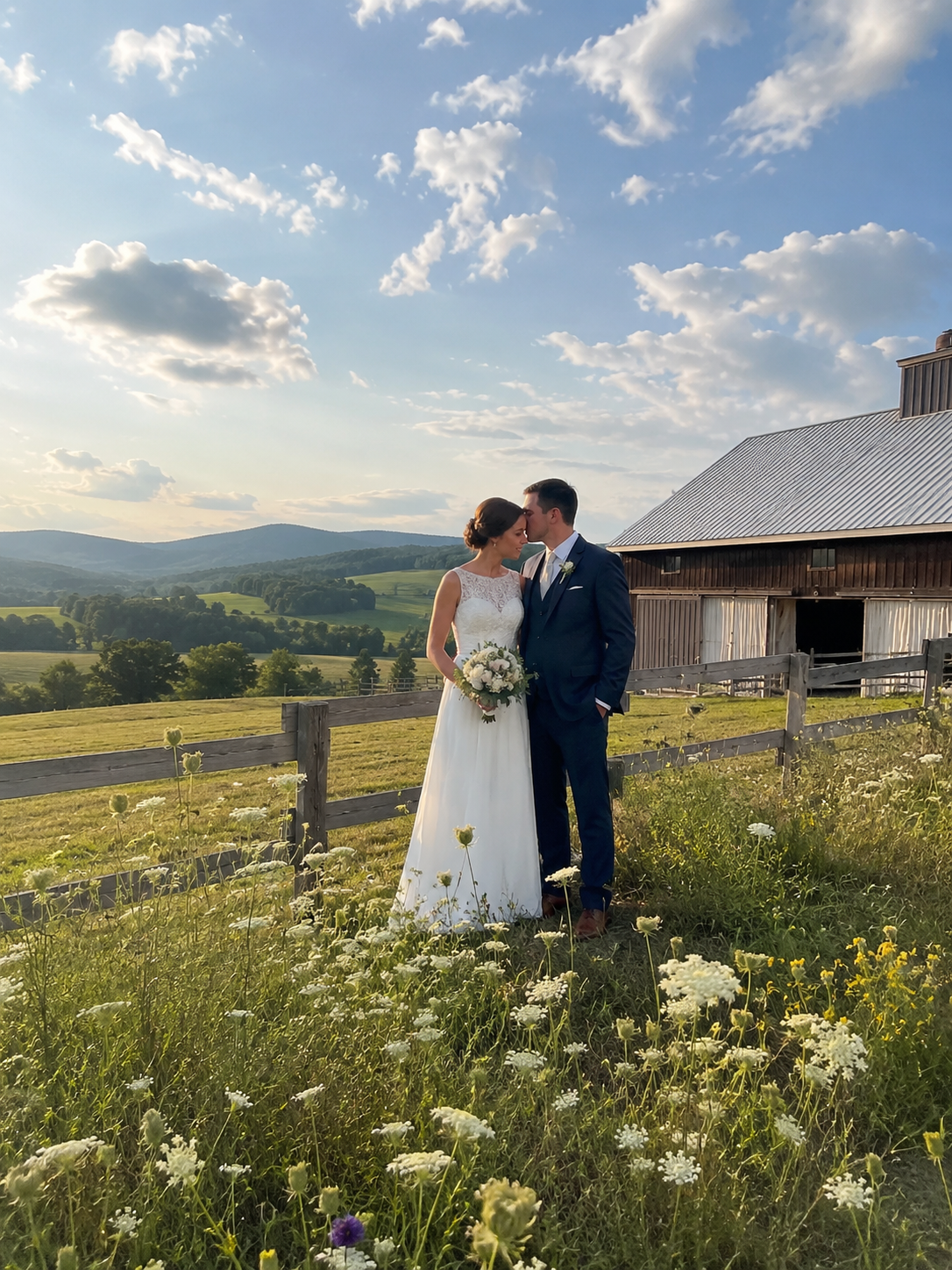
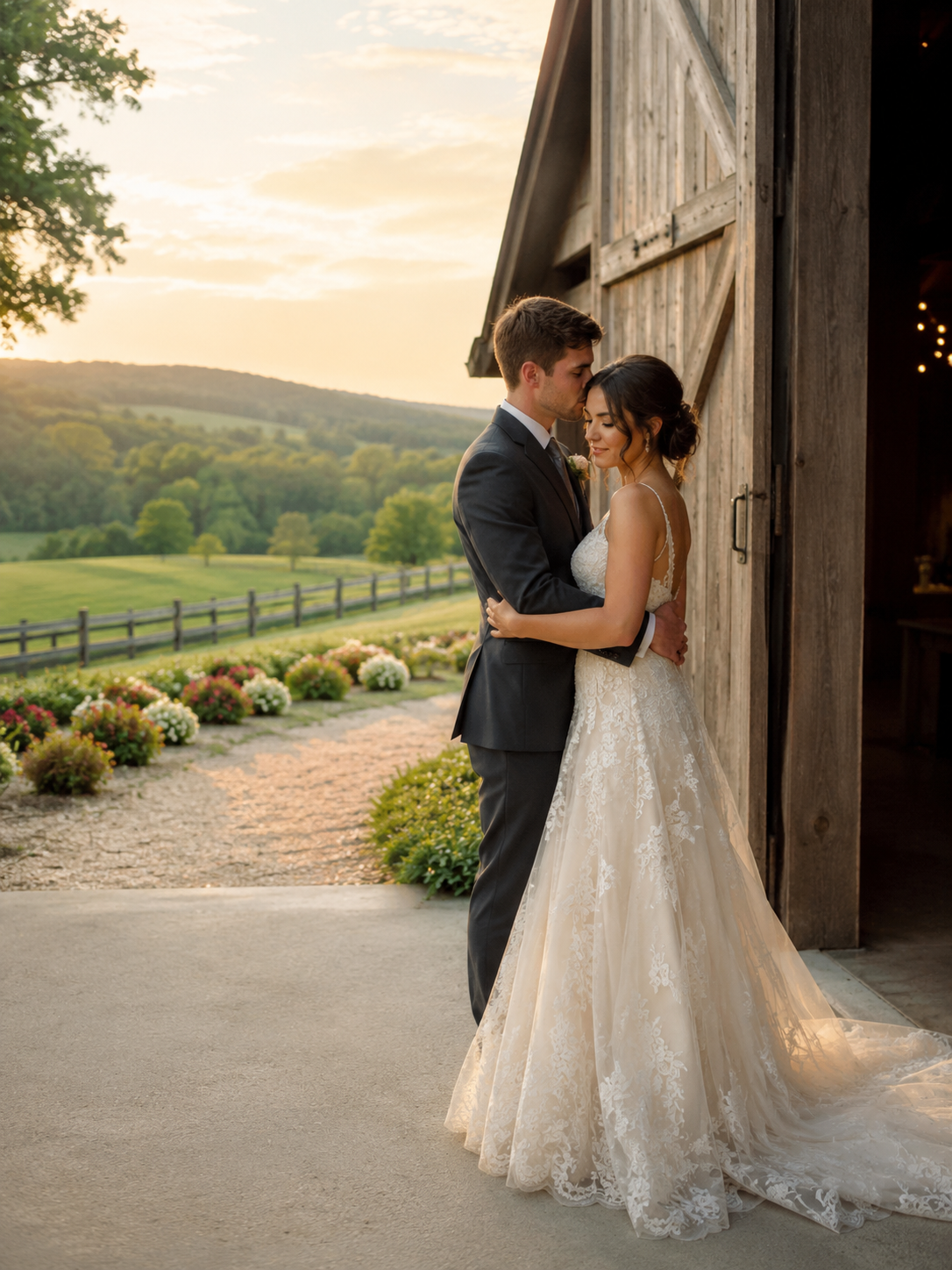 0:09
0:09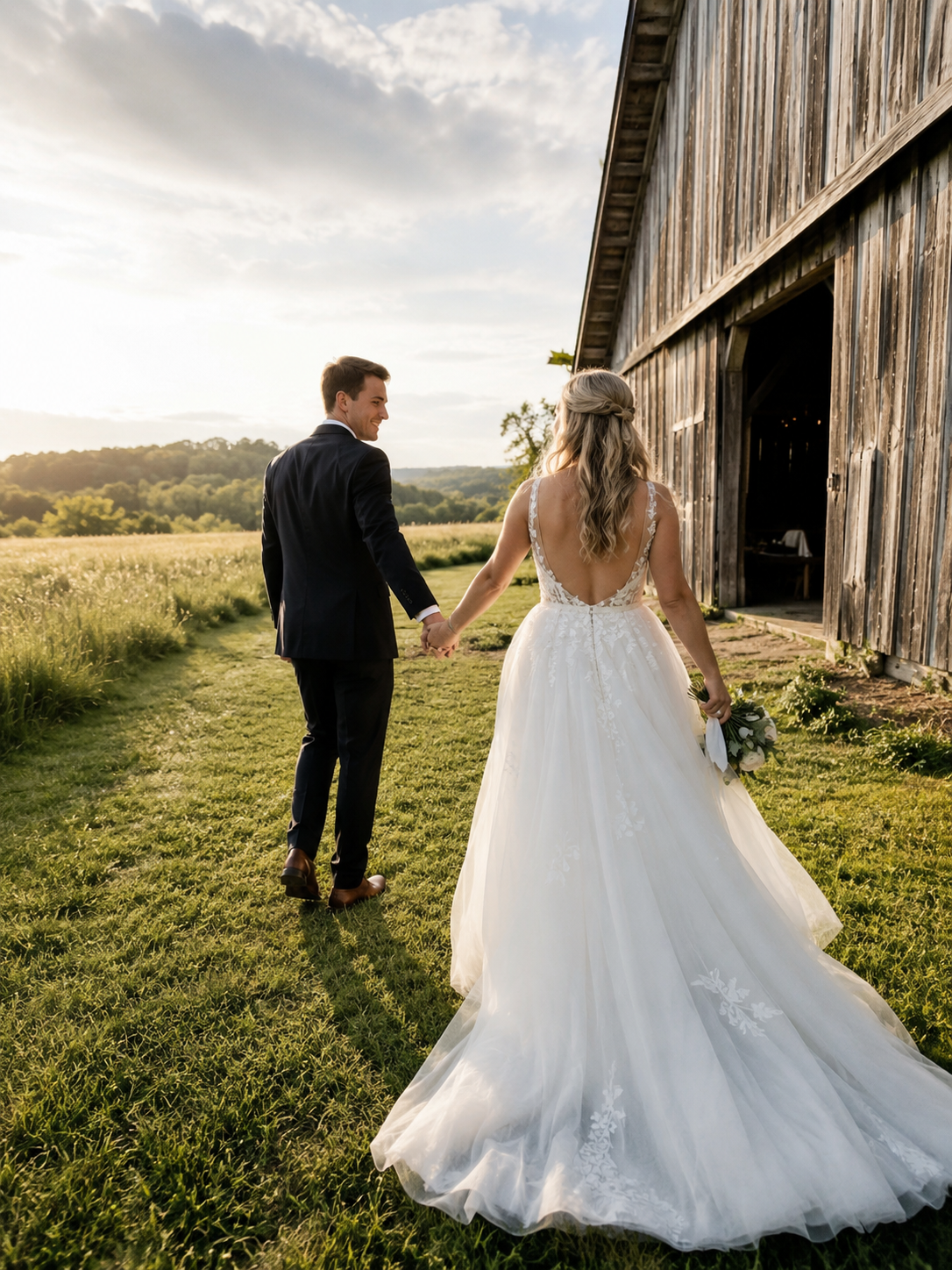
Simple from the start
One event. Three easy steps.
Spend less time chasing photos and more time being part of the day.
-
01
Create your event
Add your event details and get a private guest link ready to share.
-
02
Invite your guests
Share the link or QR code so everyone can upload from their phone.
-
03
Relive it together
Watch the gallery fill up and keep every photo and video in one place.
Made for the people in the room
Everyone can contribute. Nobody needs another app.
CAMOV opens in the browser guests already have. The upload flow stays focused, familiar, and fast, whether they are sharing one portrait or a full evening of videos.
A clear guest experienceUpload and gallery actions stay easy to find on every screen.
Progress you can trustGuests can see what is uploading and what has completed.
One private destinationEvery memory arrives in the gallery for that event.
The full story, together
Not just the polished photos. Every angle of the day.
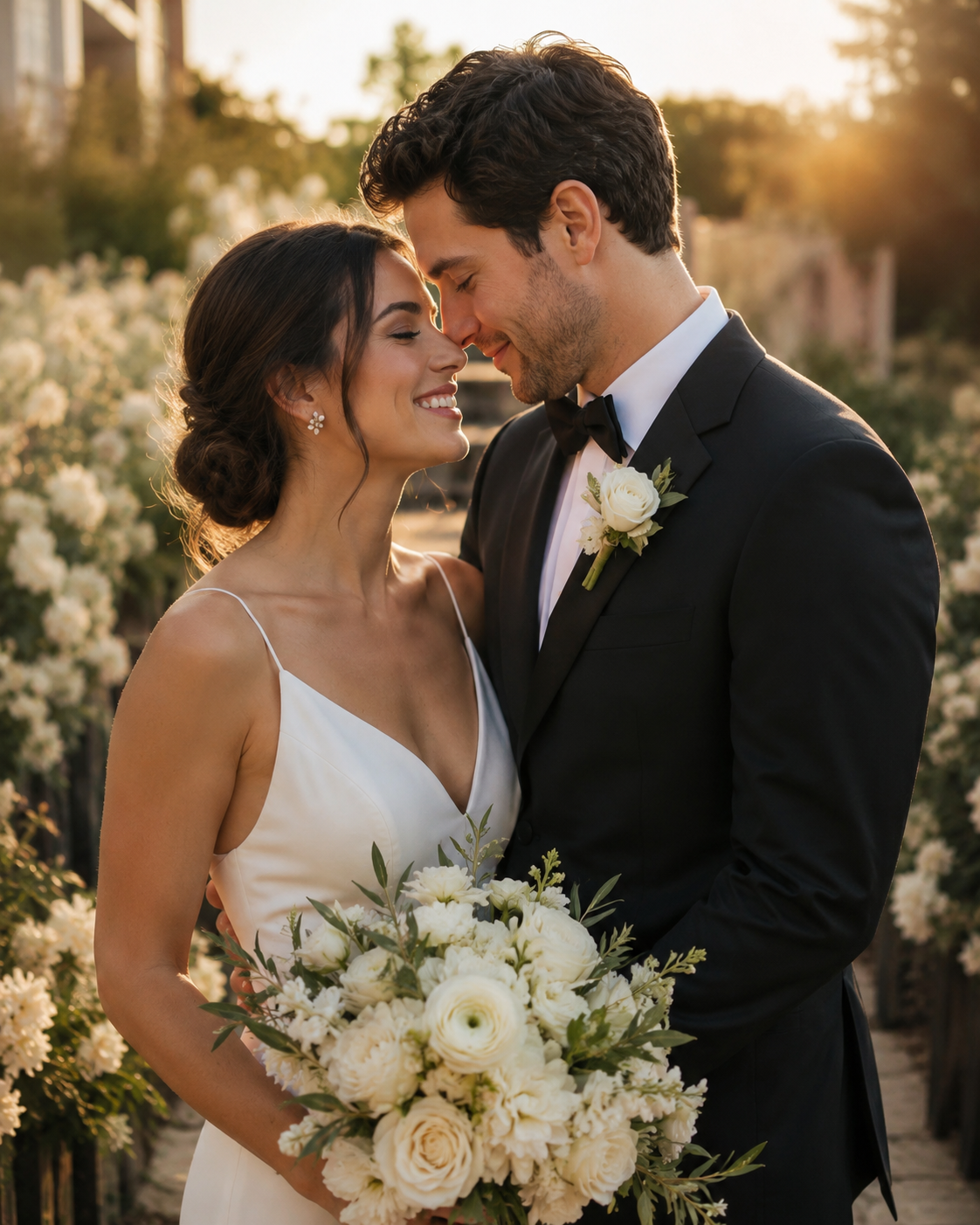
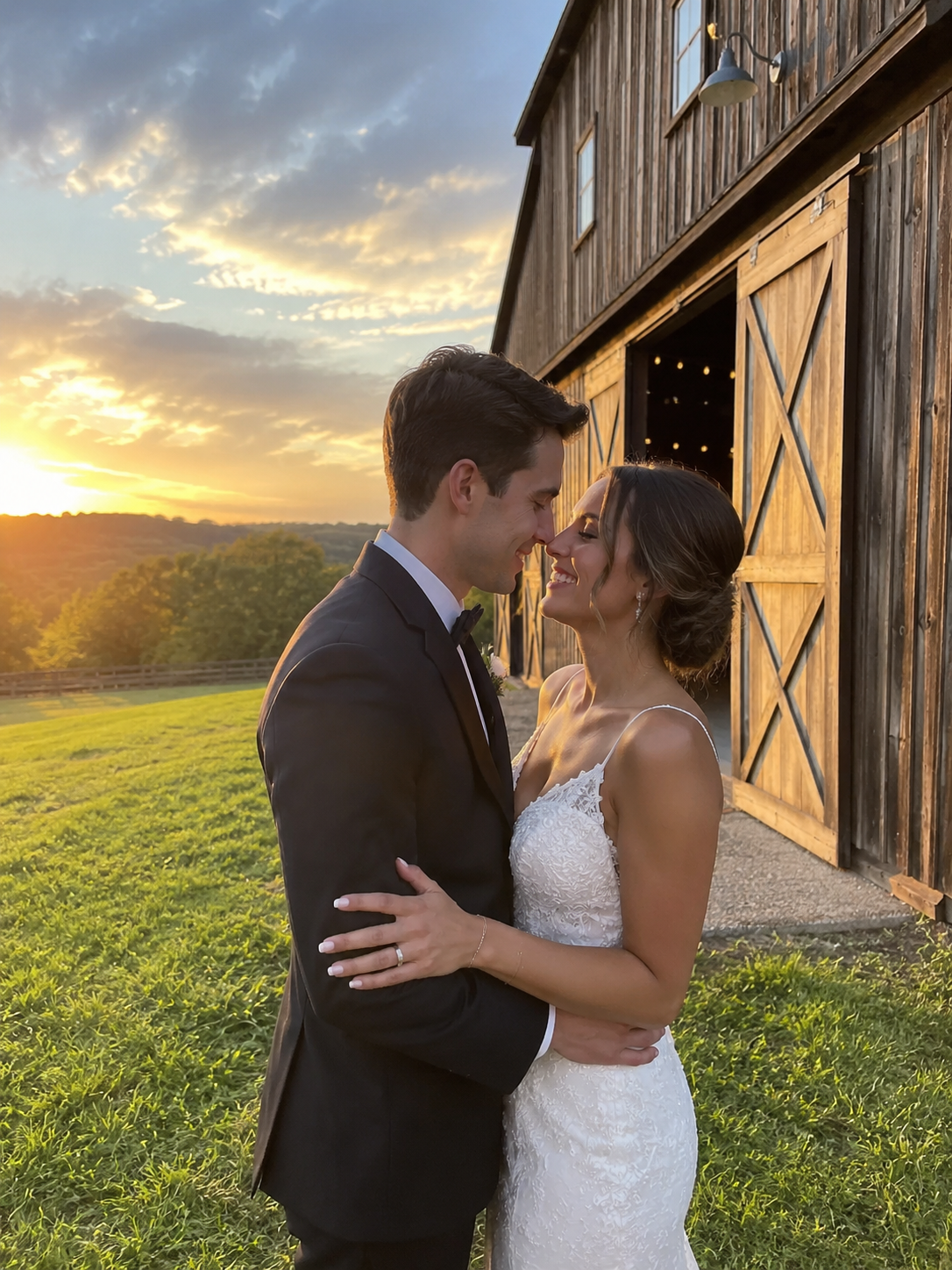
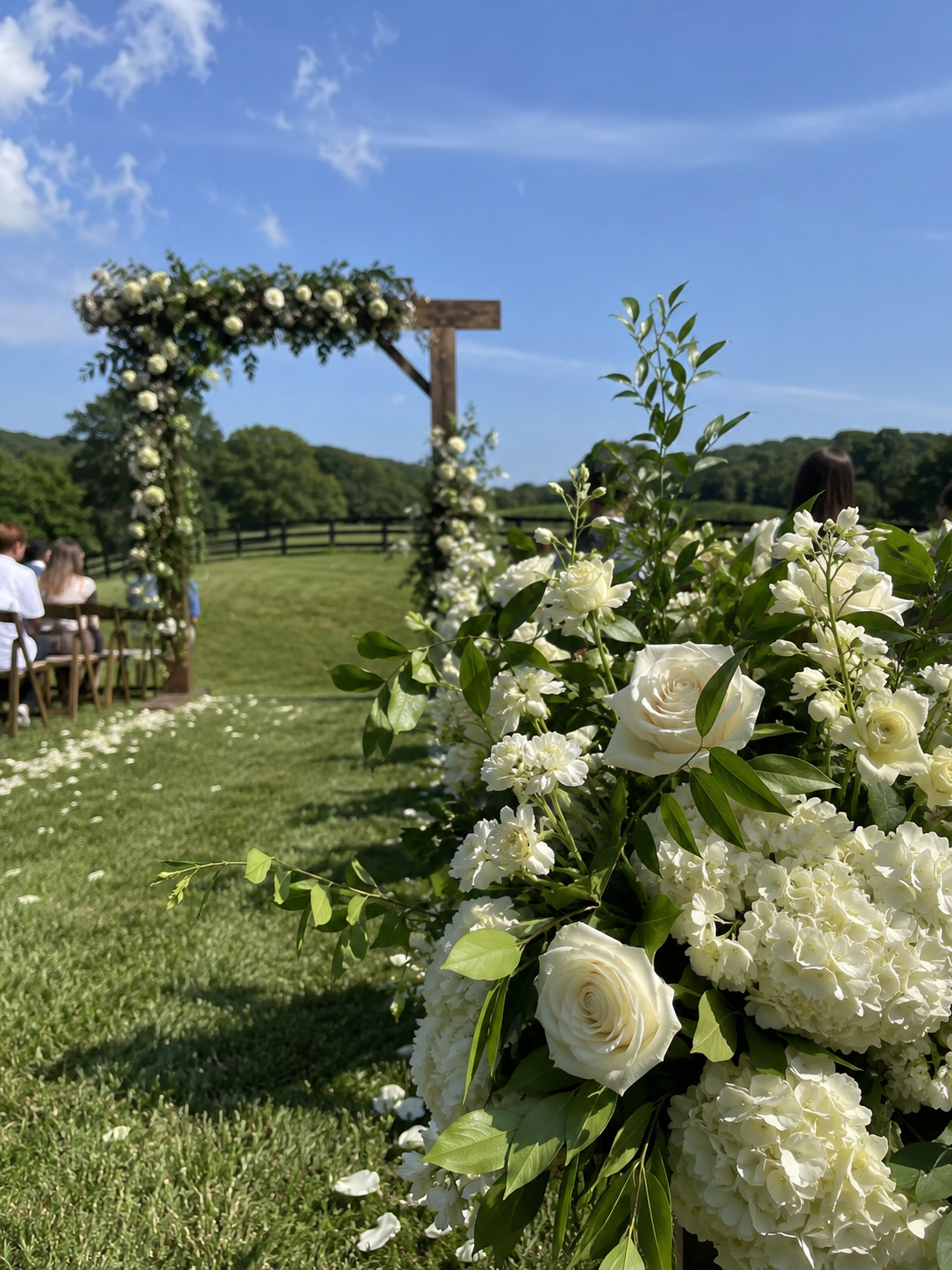
Quiet moments, crowded dance floors, and everything between them arrive in one gallery that feels made for the occasion.
- Photos and video togetherBrowse the whole event without jumping between services.
- Original-quality memoriesKeep the detail your guests captured.
- Host gallery controlsManage events and media from your CAMOV workspace.
- Ready on every screenThe same gallery stays beautiful from phone to desktop.

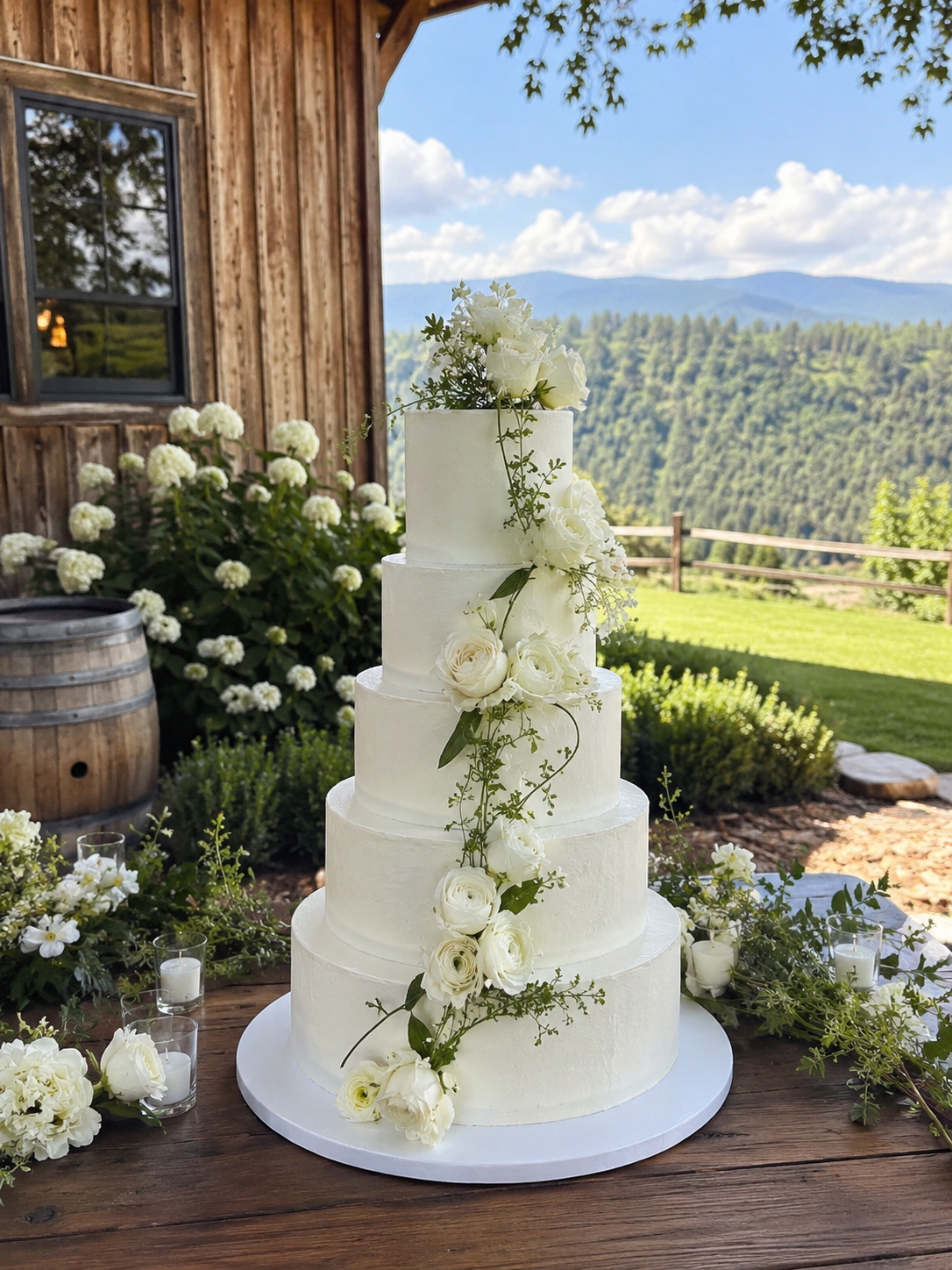
 ▶ 0:15
Good to know
Questions before the first upload?
CAMOV keeps the guest side deliberately simple.
Open the demoDo guests need to download an app?
No. Guests open the private event page in their browser and can upload from there.
Can guests share both photos and videos?
Yes. The same upload flow accepts photos and videos, and both appear in the event gallery.
Who can see an event gallery?
The event experience is private and intended for hosts and the guests they invite.
Does CAMOV work on phones and computers?
Yes. Uploading is designed for phones, while the gallery adapts cleanly across mobile, tablet, and desktop screens.
Can hosts manage more than one event?
Yes. The CAMOV host workspace keeps events and their galleries separated and easy to manage.

Your guests already have the camera
Give every memory one place to come home to.
Create your event, invite your people, and let the gallery tell the rest of the story.